
Your HP ProBook 450 G2 could have one of three password states:
Note: This guide focuses primarily on System and Setup passwords. DriveLock requires data recovery services or a known password.
Some online services (e.g., Badcaps forum members, BIOS-PW.org) can generate unlock codes from the System Disabled code displayed after 3 wrong password attempts. hp probook 450 g2 bios password reset
For ProBook 450 G2, the code is 8 digits (e.g., 85921407). These services charge $10–20 and provide a master password that works instantly.
Legitimacy: Yes – they use HP’s own backdoor algorithm (leaked RSA key) but require exact code. Works 100% for Admin password. Your HP ProBook 450 G2 could have one
The BIOS settings, including the password, are stored in a memory chip (CMOS) kept alive by a battery. On older laptops, removing the main battery was enough. On the ProBook 450 G2, you need to access the coin-cell battery inside the chassis.
Tools Required: A small Phillips-head screwdriver and a plastic pry tool (or guitar pick). Note: This guide focuses primarily on System and
This is the most reliable method. You’ll need:
Steps:
Risk: Incorrect offset can brick the laptop. Always verify the checksum and keep original backup.
Warning: You must remove the battery and CMOS battery before connecting the CH341A. The programmer runs at 5V, while the BIOS chip runs at 3.3V – without a voltage regulator, you can kill the chip.
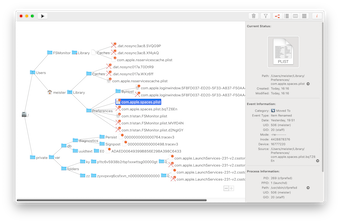
Tree View
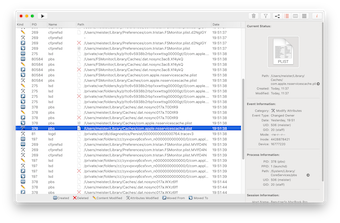
List View
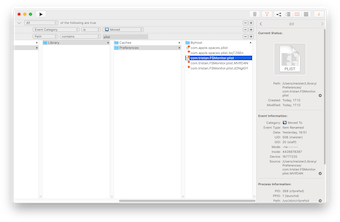
Column View
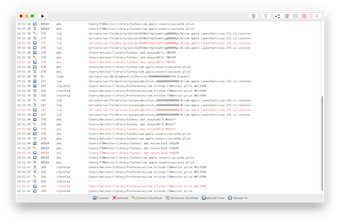
Text View